





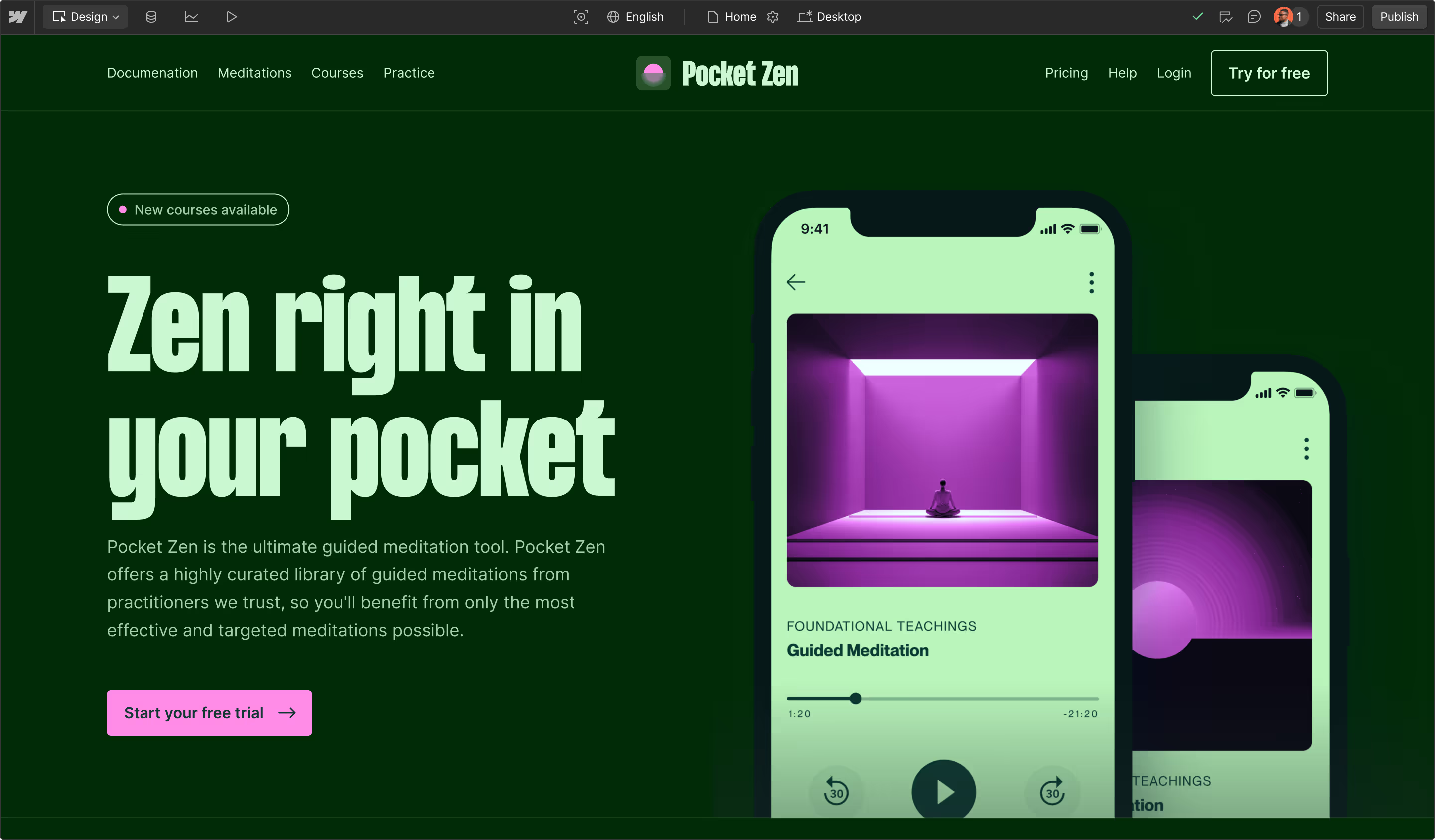


















Built for what your website has to deliver
Framer is a good fit for a simple site your team wants to build and publish on its own. But today’s ease-of-use often comes with a low ceiling tomorrow when your website has to drive pipeline, run across multiple brands, or handle custom work.
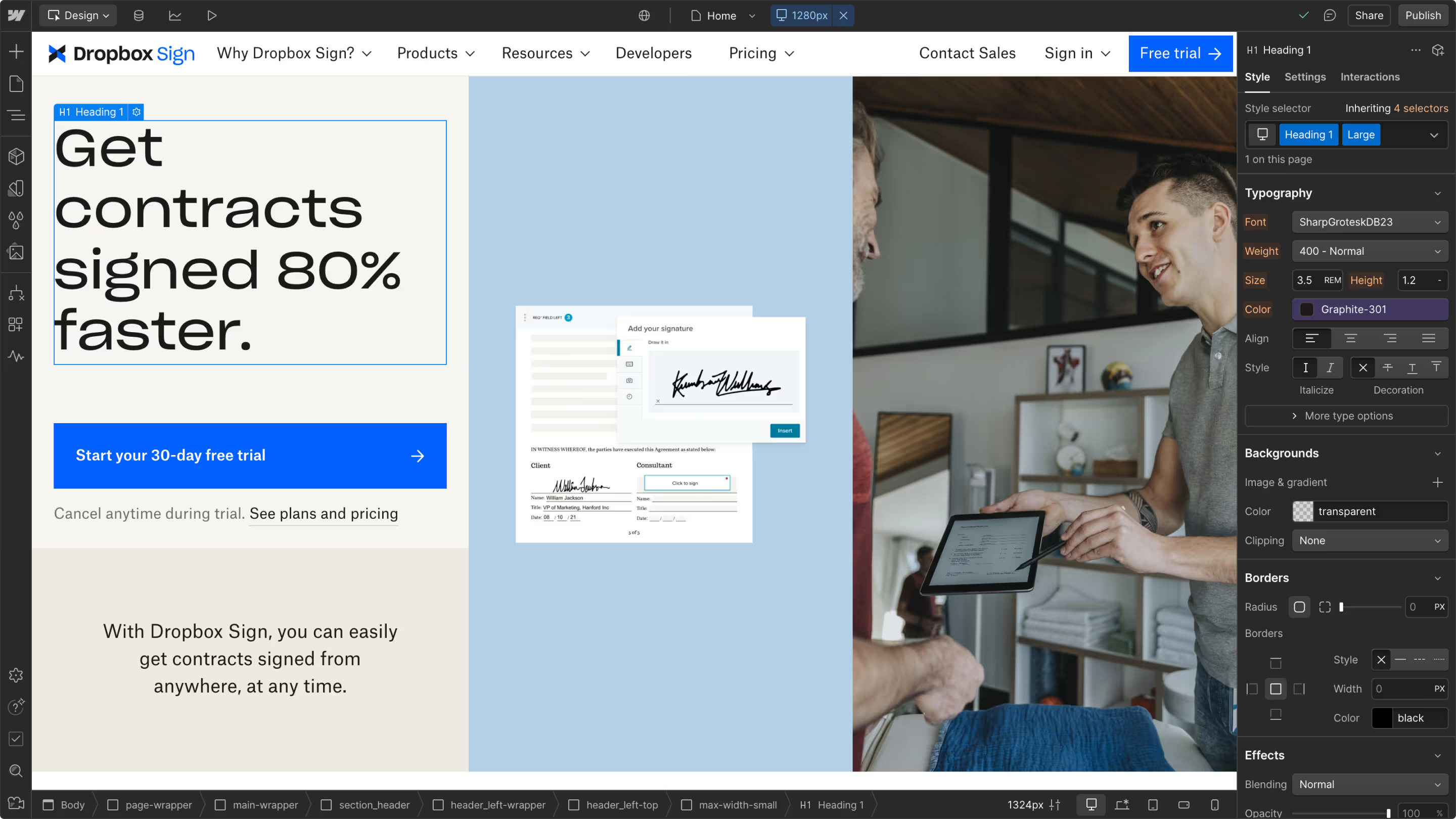
Webflow gives marketing and design the same autonomy to build, publish, and update without writing code. When the work gets complex, developers build in their own repo and bring that code to the same canvas. Visually, in code, or with AI, your team works on the same site.
Why choose Webflow over Framer
Framer and Webflow both give marketers a visual way to build. The difference is what your website can do next: drive measurable pipeline, run on code your developers own, keep one brand across every site and team, and work with the AI tools your team already uses.
A website that drives pipeline
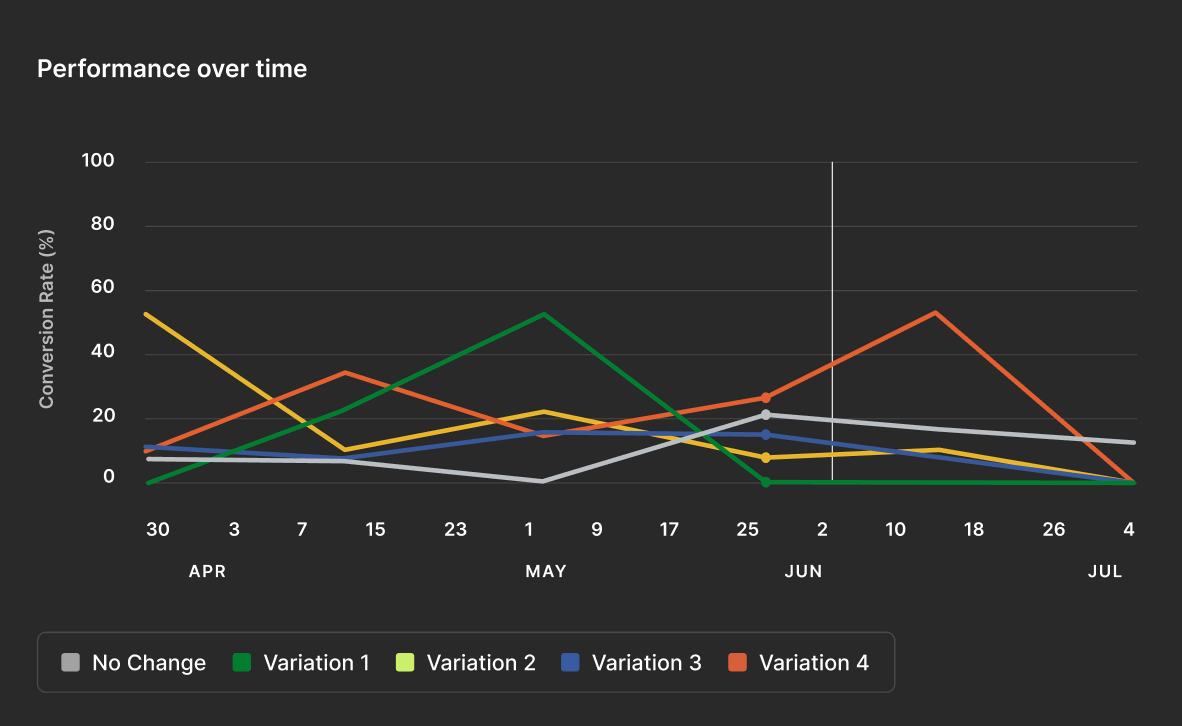
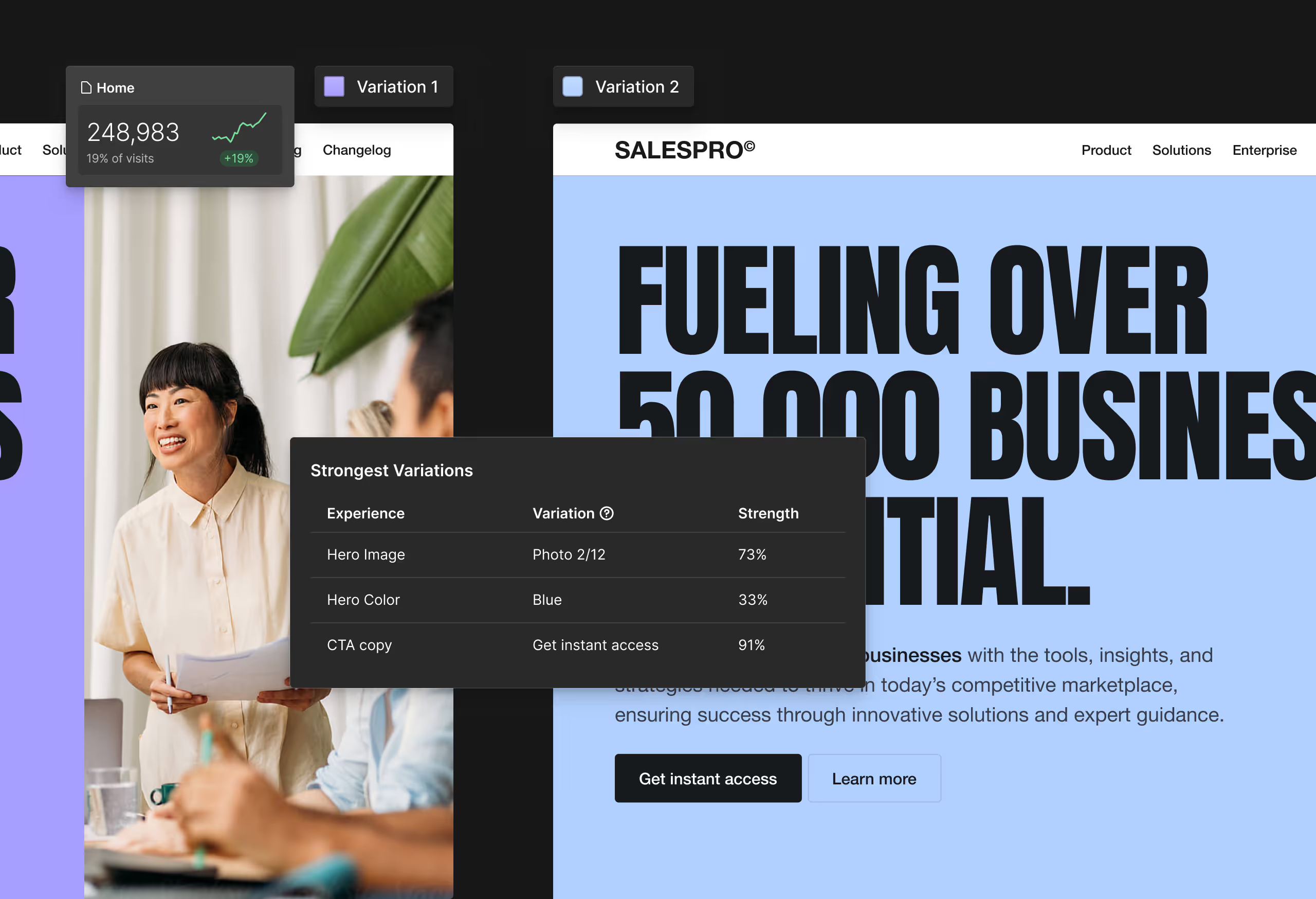
Framer runs tests page by page. Webflow lets marketers test any element, including shared components, so a winner can reach every page it lives on. Personalize by industry, company size, or target account with HubSpot or Salesforce data, and tie results to pipeline.
Build beyond the canvas
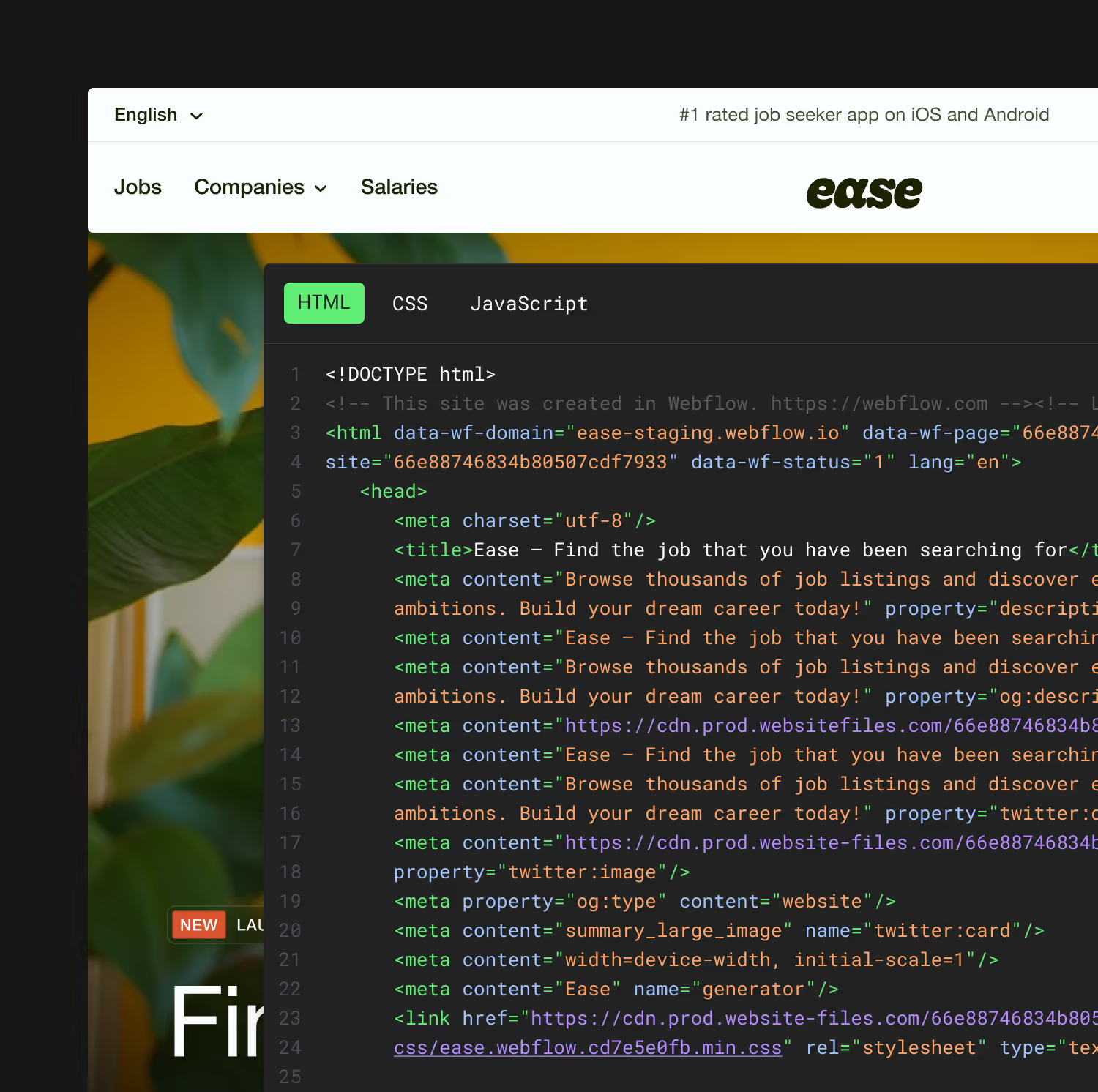
In Framer, custom code is built and runs inside Framer, so the platform sets the ceiling for what your developers can build.
In Webflow, it lives in your repo. Developers build in their own tools and bring that code to the canvas as components, so marketers and designers can use it without writing code. The site's code is standard and exportable, and open, MACH-certified APIs connect it to your stack.
More sites. More teams. Still one brand.
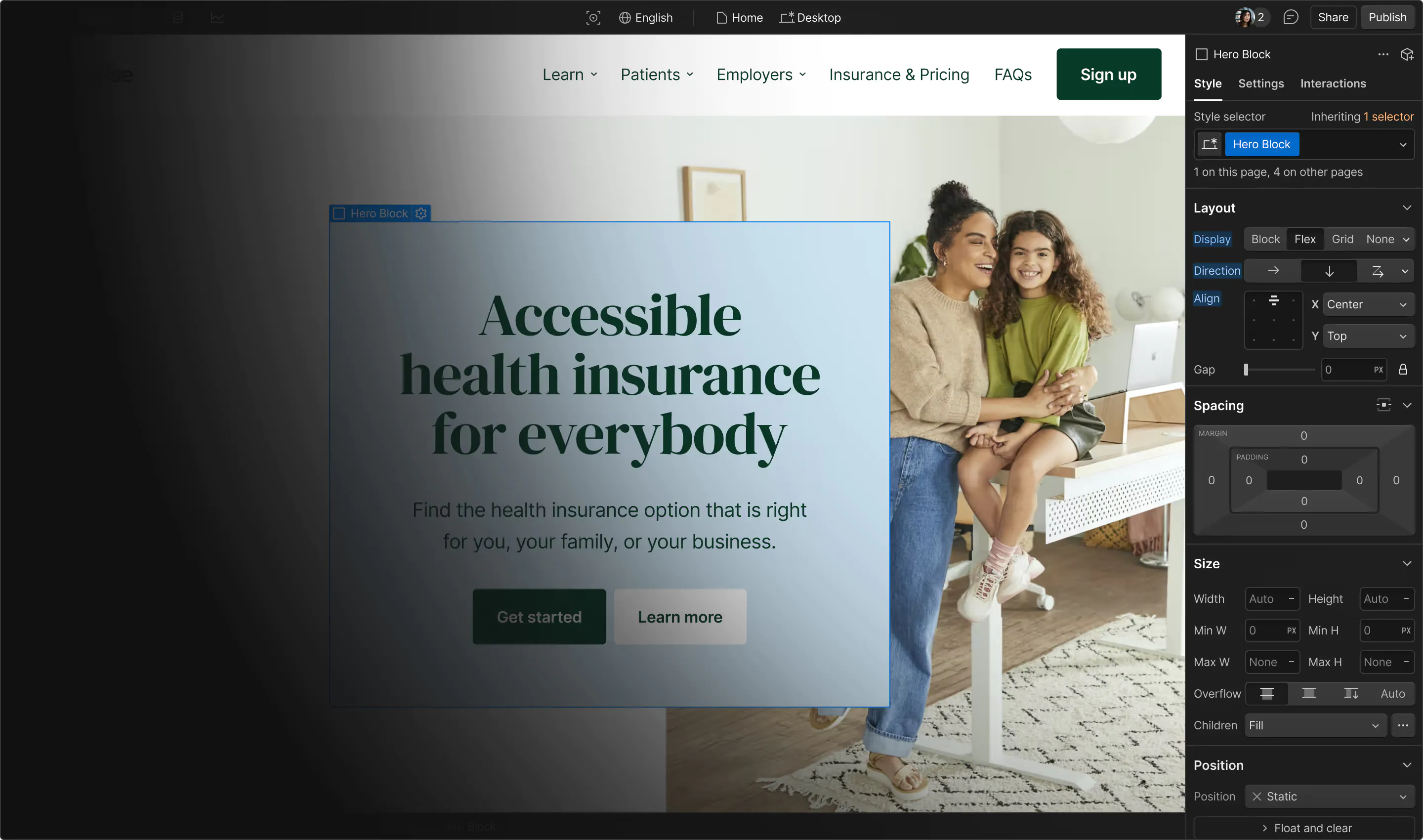
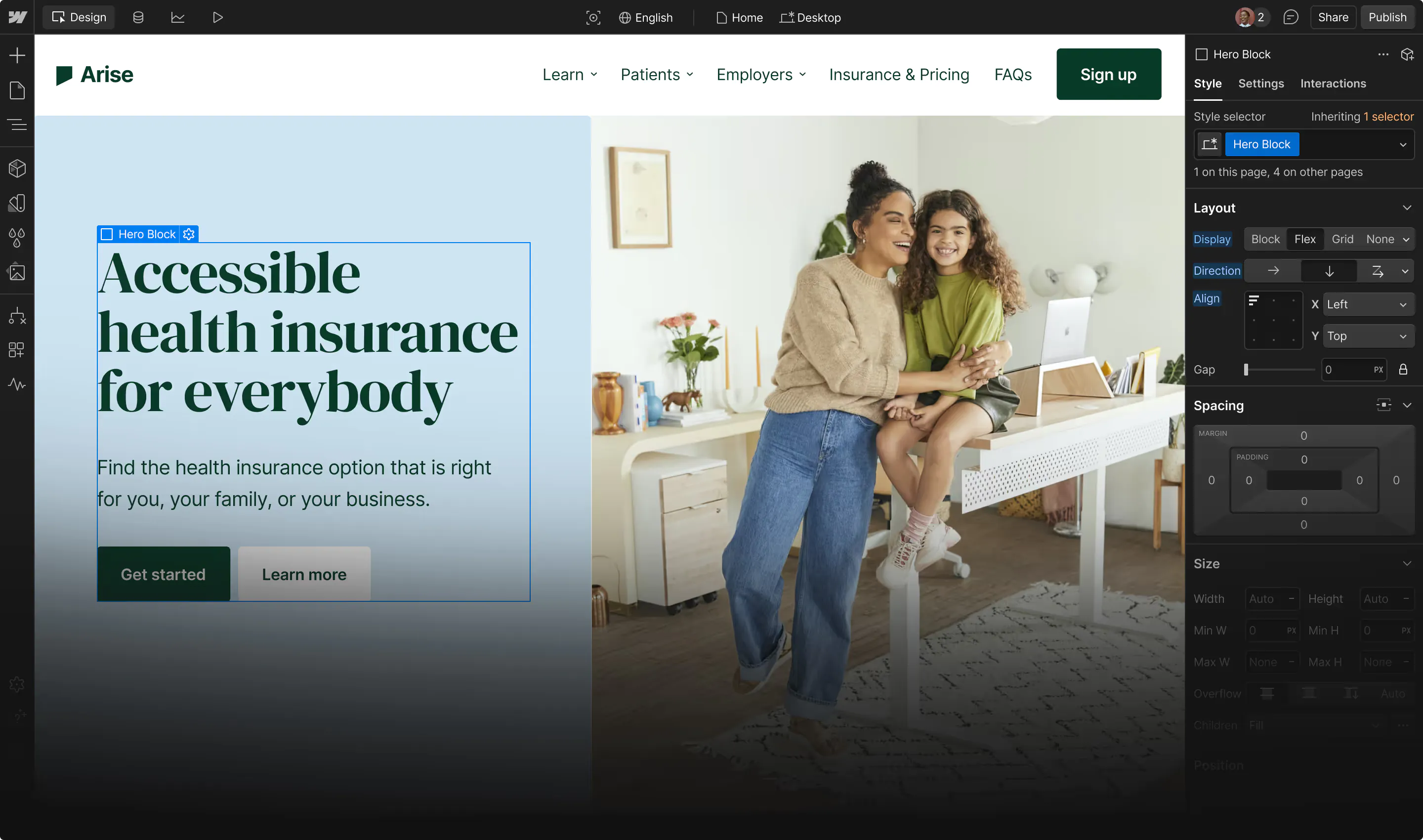
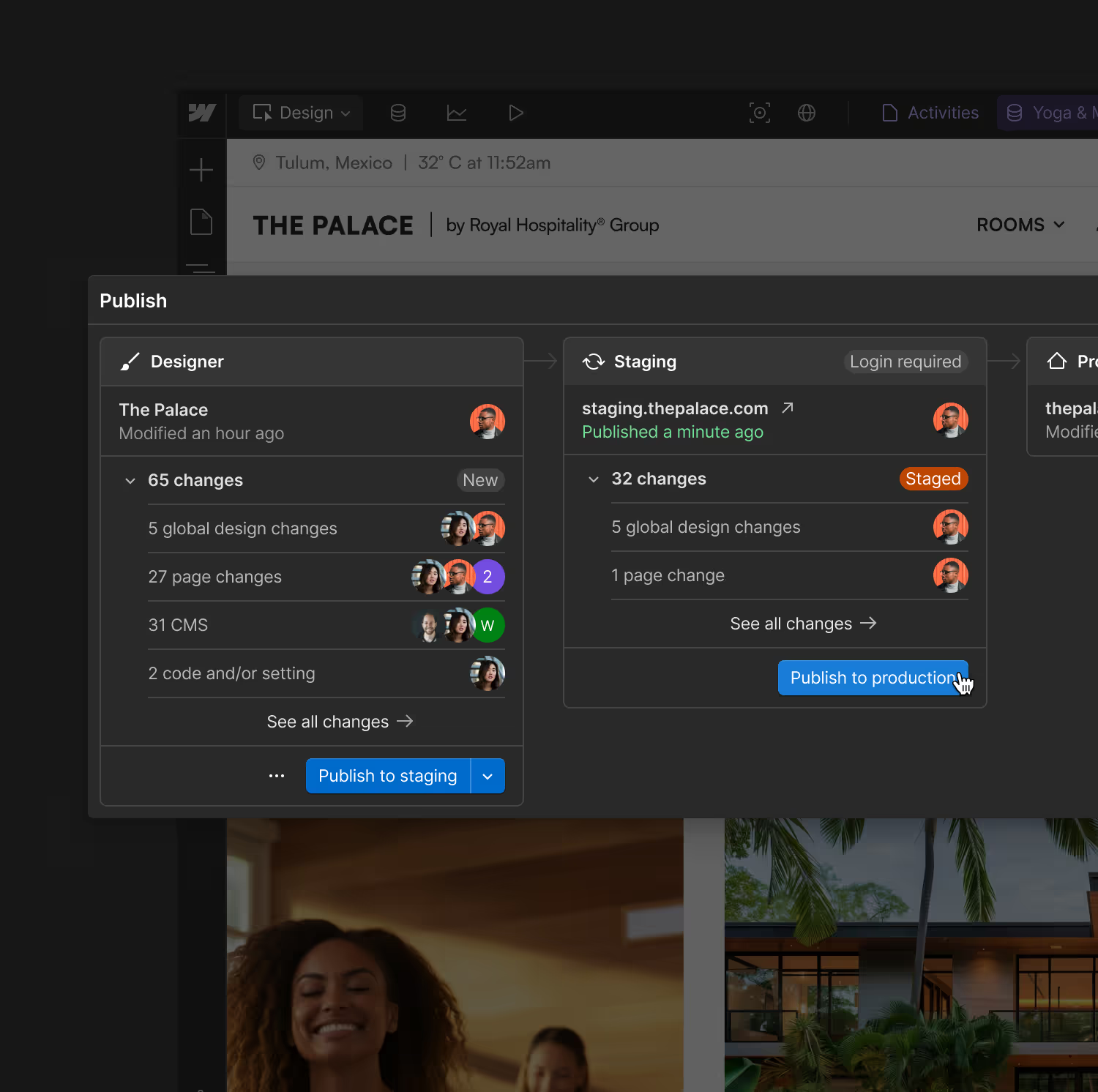
In Framer, every new site and team is another chance for your brand to drift. Webflow pushes one library update to every site you choose, scopes access to the pages, CMS collections, and locales each team owns, and logs every change, whether a person, Webflow AI, or an agent made it.
Work with AI wherever your team works
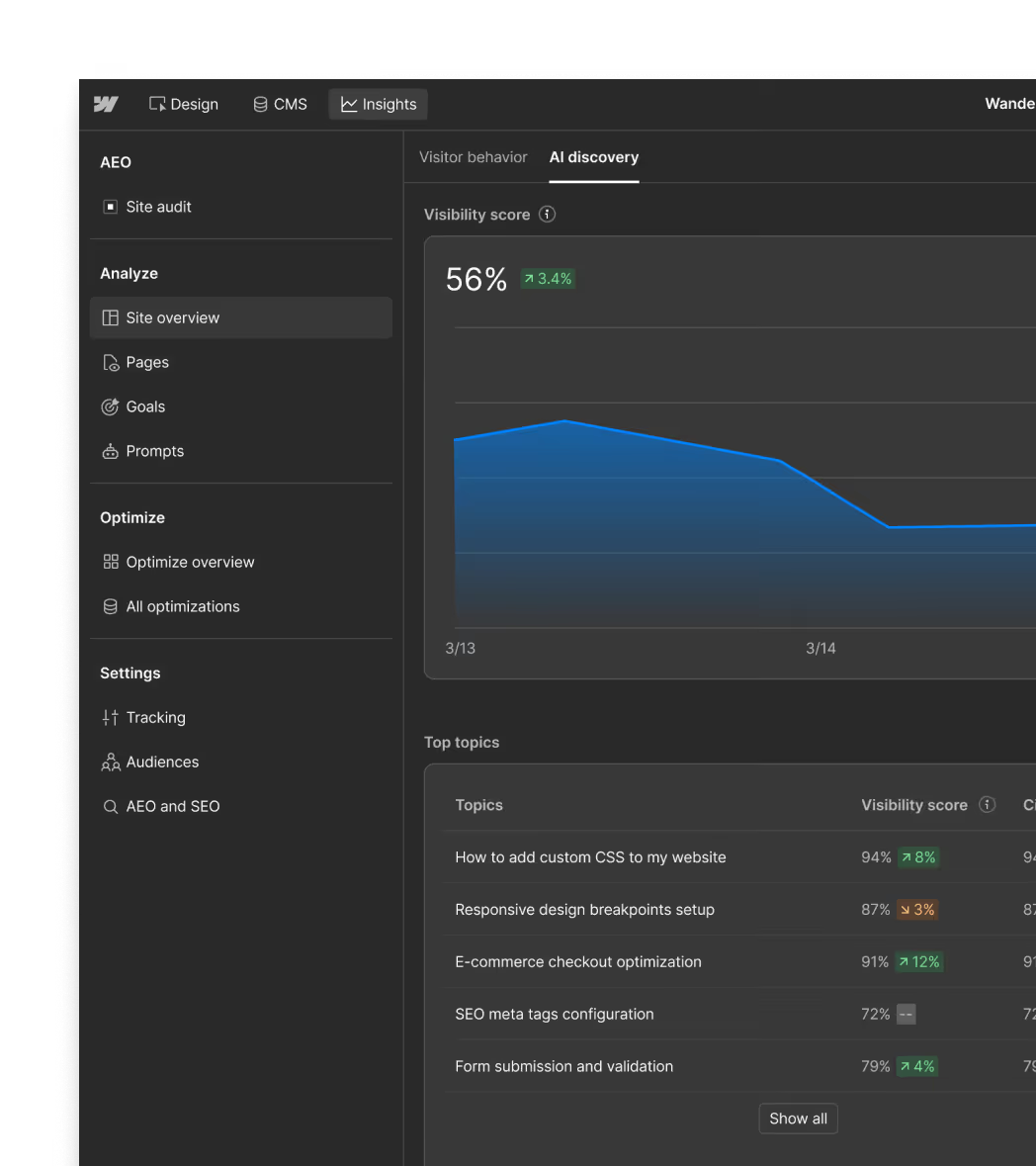
Use Claude, ChatGPT, Gemini, Copilot, or Webflow’s own AI tools to understand your site and improve it in the same conversation. Ask about traffic, top pages, and engagement over time. See which pages AI crawlers request most and how answer engines respond to your tracked prompts.
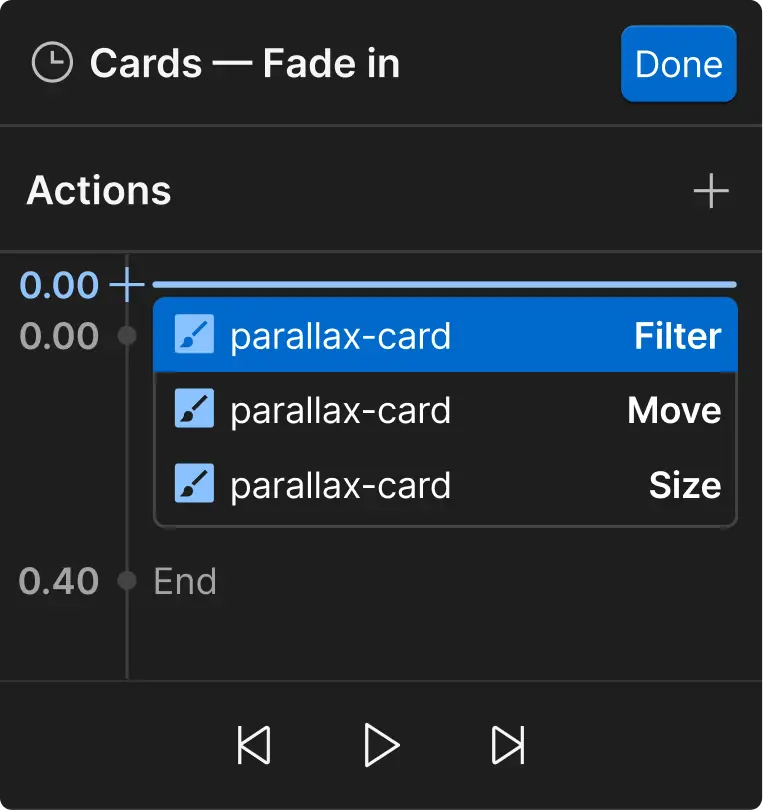
Then act on what you find. Fix SEO and AEO issues, audit accessibility, broken links, and content quality, build on-brand pages and components, update CMS content in bulk, and add motion you can fine-tune on a visual timeline. It all runs within your existing permissions, and every change is tracked, reversible, and editable on a visual canvas.
What can Webflow do for you?

More pipeline from your website
Test and personalize any element, then tie results to pipeline. Marketing runs the tests and reads the results in the same platform.

Move faster, together
Marketing and design build, publish, and update on their own, visually or by prompting AI. When a project needs custom code, developers add it without slowing the team down.

Scale with control
Add sites, regions, and contributors without losing control of your brand. Updates reach every site you choose, each team publishes only what it owns, and every change is logged.

“Your website is the gateway to your business and you need full control over the design function and branded experience. Webflow has given our marketing team the freedom to build without compromising on our vision, which is critical in our fast-paced industry.”

“With Webflow Enterprise, we're able to move with trust and confidence that things will get done quickly without compromising our brand or draining resources.”

“With Webflow, we’ve significantly improved organic traffic, SEO, and conversions. From my perspective as CMO, that’s a huge win because our brand is reaching more people.”
Frequently asked questions
Framer is a good fit when you need a simple site and your plans stay simple. Choose Webflow when your website has to drive pipeline, run across more sites and teams, or carry custom work. Marketing and design build and publish on their own, and developers step in when the work gets complex.
Both are visual site builders. Framer is a design and publishing tool for launching React-based sites, with a Figma-like canvas, built-in hosting, and AI agents. Webflow is an agentic web marketing platform where marketers and designers build without writing code and developers add custom code as needed. Your team can also work with AI from Claude, ChatGPT, Gemini, or Copilot, within existing permissions. Tests reach any element, and one library update reaches every site you choose.
Framer is usually quicker to learn, and Webflow takes more time, especially for designers used to Figma. Webflow University, certification courses, and Customer Success teams help your team ramp up. What you get for that time is depth: marketers still build and publish on a visual canvas, and developers can add custom code when the work calls for it. Framer trades depth and scale for ease. Webflow trades a little ease for depth and scale.
Yes. Webflow includes custom sitemap controls, automated metadata settings, and 301 redirects, and code components render server-side so search engines can crawl them. Framer has SEO tools too, so the difference shows up after launch: Webflow AEO tracks how your brand appears in answers from ChatGPT, Claude, Gemini, and Perplexity, and its content agents recommend fixes your team can ship.
The useful comparison is the website you will run in two years, not the one you launch. Webflow plans flex with what you need, including CMS items and bandwidth, and add-ons like Optimize are there when you want them. Then factor in the costs that grow with a website: developer hours when custom work has to be built inside the platform, the effort of keeping every site in sync as you add sites, and the cost of moving platforms later.
Plan the move as a rebuild, because Framer designs, layouts, and interactions don't import directly into Webflow. Your team or a Certified Webflow Partner recreates pages, components, and CMS collections, then imports your CMS content. Add 301 redirects before you switch your domain, and test on staging first. Webflow's help center has a step-by-step guide for moving a site from Framer to Webflow.